
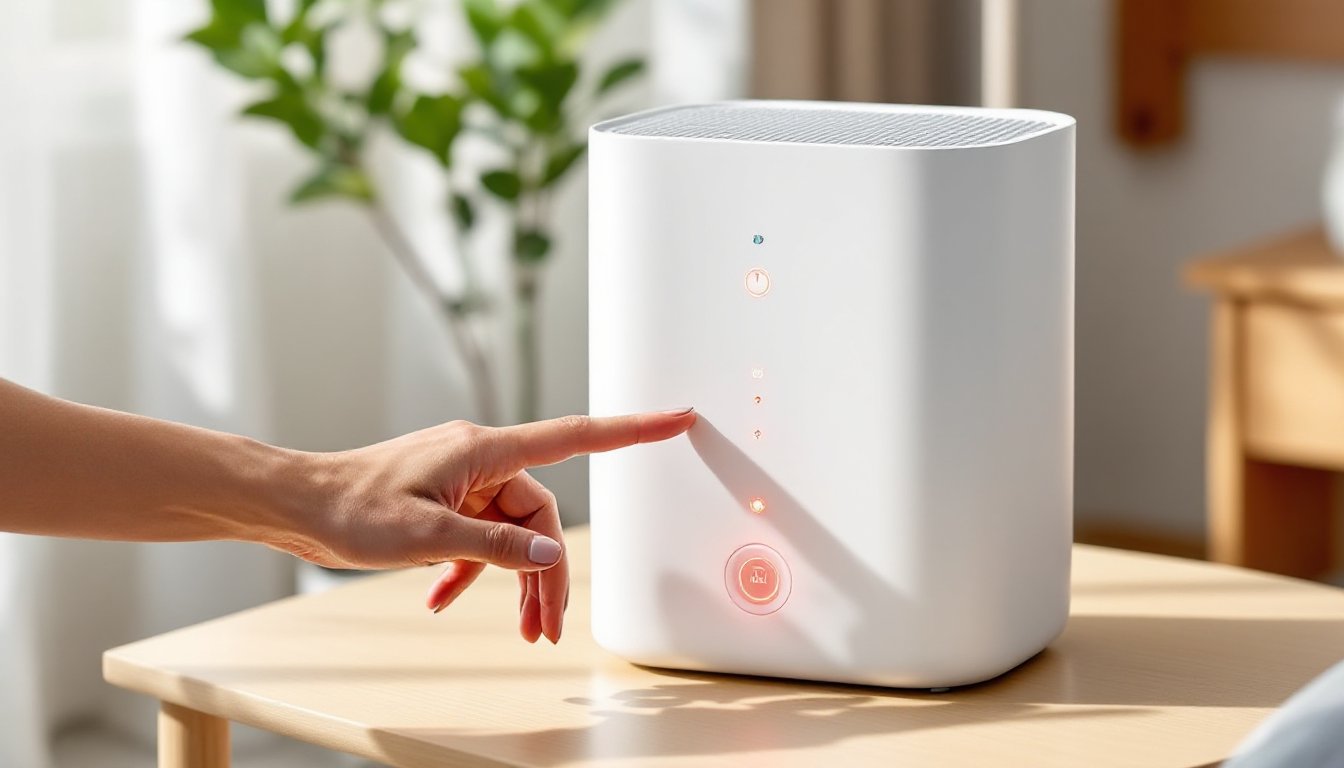
That blinking red light on your Levoit air purifier isn’t a malfunction, it’s a feature. It means the unit has clocked roughly 2,000 hours of runtime and is due for a filter inspection or replacement. Most owners panic when they see it, assuming the machine is broken. In reality, resetting the light takes about five seconds once you know where to press. This guide walks through the exact reset process for different Levoit models, explains when you actually need to swap the filter versus just silencing the alert, and covers troubleshooting steps when the light refuses to clear.
Table of Contents
ToggleKey Takeaways
- The red light on your Levoit air purifier signals that the filter timer has reached 2,000 operating hours and indicates a filter inspection or replacement is due, not a malfunction.
- Resetting the red light takes 3–5 seconds by pressing and holding the filter button on the control panel, with the process varying slightly between Core and Vital series models.
- Inspect your filter visually before replacing it—a clean or light gray filter can safely continue running, while visible dust caking, weak airflow, or persistent odors indicate replacement is necessary.
- Regular maintenance like vacuuming the pre-filter every two weeks and washing it monthly can significantly extend filter life and delay the red light alert.
- If the red light persists after reset, try unplugging the unit for 30 seconds, checking for stuck buttons, confirming proper filter installation, or performing a reset through the companion app for smart models.
What Does the Red Light on Your Levoit Air Purifier Mean?
The red indicator light (sometimes red and blinking, sometimes solid depending on the model) signals that the filter timer has reached its preset limit. Levoit air purifiers track cumulative runtime, not actual filter condition, so the light appears at a fixed interval regardless of air quality or usage environment.
Most Core and Vital series models trigger the alert at 2,000 operating hours. If you run the purifier 24/7, that works out to roughly 83 days. If you use it eight hours daily, you’ll see the light after about 250 days. The timer doesn’t measure particulate load, odor saturation, or airflow restriction: it’s a blanket reminder.
Some users mistake the red light for a motor failure or electrical fault. It’s purely informational. The purifier continues running normally even with the light active. That said, ignoring it long-term risks reduced performance, increased energy draw, and recirculation of contaminants if the filter is genuinely spent.
Levoit includes this feature to protect the HEPA and activated carbon layers from oversaturation. A clogged filter forces the fan to work harder, shortening motor life and raising noise levels. The red light is a preventive nudge, not an emergency shutdown.
How to Reset the Red Light on Levoit Air Purifiers
Resetting the filter alert restarts the 2,000-hour countdown. The process varies slightly by product line, but all models use a physical button hold rather than app-based controls.
Step-by-Step Reset Instructions for Core Series Models
Core series units (Core 300, Core 400S, Core 600S, and the Levoit Core 300S) share a similar reset mechanism:
- Ensure the unit is plugged in and powered on. The reset only works when the purifier is receiving power.
- Locate the filter reset button. On most Core models, it’s a small circular button labeled “Filter” or displays a filter icon. It’s typically on the control panel near the power button.
- Press and hold the button for 3–5 seconds. You’ll hear a beep or see the red light blink, then turn off.
- Release the button. The light should disappear immediately. If it doesn’t, repeat the hold for a full five seconds.
Some newer Core models with touch-sensitive panels require a firmer press. Don’t tap, hold until you get the confirmation beep.
Step-by-Step Reset Instructions for Vital Series Models
Vital 100 and Vital 200S models use a slightly different layout but follow the same logic:
- Power on the air purifier. The red light should be visible on the display.
- Find the filter life indicator button. On Vital units, it’s often integrated with the display panel and marked with a filter icon or “Reset” label.
- Press and hold for 5 seconds. The red light will flash once or twice, then extinguish.
- Verify the reset. Check the display panel, some Vital models show a percentage or bar graph for filter life. It should reset to 100% or full bars.
If you have the Levoit app connected (for smart models like the Core 400S or Vital 200S), the filter life meter in the app should also reset. If it doesn’t sync immediately, close and reopen the app.
When to Replace Your Filter vs. When to Just Reset
The red light timer is a guideline, not gospel. Whether you need a new filter depends on your actual usage environment and a quick visual inspection.
Replace the filter if:
- The pre-filter is visibly caked with dust, pet hair, or debris. A gray or brown coating indicates saturation.
- Airflow from the top vent feels weak even after cleaning the pre-filter. This suggests the HEPA layer is clogged.
- Odors persist even though running the unit on high. The activated carbon layer has a finite capacity for VOCs and smells.
- You live in a high-pollution area (wildfire zones, urban centers, homes with smokers or multiple pets). Filters degrade faster under heavy particulate load.
- The unit runs noticeably louder than when new. A struggling fan compensates for restricted airflow.
Many home appliance testing labs recommend replacing HEPA filters every 6–8 months in average conditions, but Levoit’s 2,000-hour timer assumes 24/7 use, which most households don’t maintain.
You can safely reset and delay replacement if:
- You run the purifier only a few hours daily and the filter looks clean.
- The pre-filter is washable (most Levoit models have a removable mesh pre-filter) and you’ve cleaned it recently. Vacuum or rinse it every 2–4 weeks to extend HEPA life.
- You have low indoor pollution. Homes without pets, smoking, or nearby traffic sources stress filters less.
- Airflow and performance haven’t declined. If the unit still cycles air effectively and the HEPA surface looks white or light gray, you have runway left.
As a rule of thumb, inspect the filter when the red light appears. Pull the back panel (usually two clips or a twist-lock), remove the filter, and eyeball it under good light. If it’s visibly dirty or discolored beyond the outer pre-filter layer, swap it. If it looks serviceable, reset the timer and check again in 500 hours.
Troubleshooting: Red Light Won’t Reset After Following Steps
If the red light persists after a proper button hold, try these fixes:
Unplug and restart. Disconnect the unit for 30 seconds, then plug it back in. Some models require a full power cycle to register the reset.
Check for a stuck button. Dust or grime can prevent the filter button from engaging fully. Wipe the control panel with a damp microfiber cloth and try again.
Confirm the filter is seated correctly. A loose or improperly installed filter can trigger a persistent alert on some models. Remove the filter, inspect the housing for debris, and reinstall with firm pressure until it clicks.
Look for a secondary reset in the app. Smart models sometimes require a manual reset in the companion app even after the physical button press. Open the Levoit or VeSync app, navigate to device settings, and look for a “Reset Filter Life” option.
Try a longer hold. Some units need a 7–10 second hold instead of the standard five. Count slowly while pressing.
Inspect for firmware issues. Older smart models occasionally need a firmware update to fix reset bugs. Check the app for available updates and install them before attempting another reset.
If none of these steps work, the control board may have a fault. Contact Levoit support for warranty service. Most units carry a one- or two-year warranty covering electronic defects.
How to Extend Your Levoit Filter Life and Prevent Premature Alerts
Maximizing filter life saves money and reduces waste. A few maintenance habits can stretch the interval between replacements:
Vacuum the pre-filter every two weeks. Use a brush attachment on low suction to pull dust and hair off the mesh. This keeps the HEPA layer from clogging prematurely.
Wash the pre-filter monthly if your model allows it (check the manual, some are not water-safe). Rinse under lukewarm water, air-dry completely, and reinstall. Never run the purifier without the pre-filter in place.
Run the unit on lower speeds when air quality is good. High-speed operation accelerates filter wear. Many smart home devices now include air quality sensors that auto-adjust fan speed, reducing unnecessary strain.
Keep windows and doors closed during high-pollen or high-pollution events. Outdoor contaminants force the filter to work overtime. Seal your space when wildfire smoke, pollen counts, or urban smog spikes.
Vacuum and dust your home regularly. The less particulate matter floating around, the less your purifier has to trap. Weekly floor cleaning and surface dusting cut airborne load significantly.
Place the purifier away from high-traffic areas. Positioning the unit near entryways, litter boxes, or kitchens exposes it to concentrated pollutants. Central, elevated placement (on a small table or stand) improves circulation and filter longevity.
Use the purifier strategically, not continuously. Unless you have severe allergies or respiratory conditions, running the unit 8–12 hours daily (especially during sleep or high-activity periods) balances air quality with filter wear.
Replacement filters for Core and Vital models typically cost $20–$50 depending on the series and whether you buy OEM or third-party options. Genuine Levoit filters are sized precisely and use certified HEPA-13 media: aftermarket versions may fit but often use lower-grade materials that reduce filtration efficiency.
Keep a spare filter on hand if you rely on the purifier for health reasons. Filter shortages during wildfire season or allergy peaks can leave you without a replacement when you need it most.